

How to Get and Setup an eSIM for South Korea: 2026 Step-by-Step Guide
Staying connected is not just a convenience in South Korea; it is a necessity. From navigating complex subway systems to using taxi-hailing apps, having reliable high-speed data will define the quality of your trip. In 2026, the eSIM (Embedded SIM) has become the gold standard for travelers, allowing you to bypass physical stores and activate your plan instantly.
This guide simplifies the application process and answers the most common questions foreign visitors have when preparing for their journey.
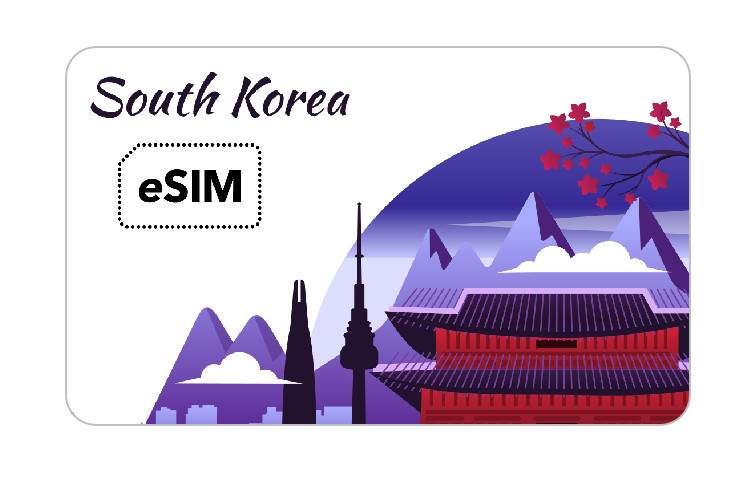
Why eSIM is the Preferred Choice for Travelers
An eSIM is a digital version of a traditional SIM card that is already built into your smartphone. For travelers to Korea, it offers several key advantages:
• Keep Your Original Number: You can keep your home SIM card in your phone to receive important texts or calls (like bank 2FA) while using the Korean eSIM for all your data needs.
• Instant Delivery: There is no need to wait for a physical card to arrive by mail or stand in long queues at Incheon Airport. You receive a QR code via email immediately after purchase.
• High-Speed 5G/LTE: Korea has some of the world's fastest networks. Most eSIMs provide 5G or high-speed 4G data through major carriers like SKT, KT, and LG U+.
• Hotspot Support: You can share your data with other devices, such as laptops or tablets, making it ideal for digital nomads or families.
Step 1: Confirm Device Compatibility and Status
Before purchasing, you must verify two things:
1. eSIM Compatibility
• Apple: iPhone XS, XS Max, XR, and all subsequent models (iPhone 11 through the latest iPhone 17 series).
• Samsung: Galaxy S20 and later (S21, S22, S23, S24, S25, and the new S26 series), as well as Z Fold and Z Flip series.
• Google: Pixel 3 and all newer models.
- • Tip: Dial *#06# on your phone. If you see an "EID" number, your phone supports eSIM.
2. Carrier Unlock
Your phone must be "unlocked." If your phone is still under a contract with your home provider, they may have locked it to their network. Contact your provider to ensure it is unlocked for international use.
Step 2: Choose the Right Plan (Data vs. Voice)
There are two main types of eSIMs available for tourists:
• Data-Only Plans: These are the easiest to set up. They do not require passport registration or identity verification. You can use apps like WhatsApp, FaceTime, or KakaoTalk for calling.
• Data + Voice/SMS Plans: These provide you with a local Korean phone number (starting with 010). These are useful if you need to make local calls to restaurants or receive SMS for certain Korean apps.
- • Note: These plans usually require a digital "Know Your Customer" (KYC) process where you upload a photo of your passport after landing.
Step 3: Application and Installation Process
The process is 100% digital and can be completed in minutes.
1. Purchase Online: Choose a reputable provider (such as Klook, SKT, or KT) and select your plan duration (e.g., 5, 10, or 30 days).
2. Receive QR Code: You will receive an email containing a QR code and activation instructions.
3. Install Before Departure: It is highly recommended to install the eSIM while you still have a stable Wi-Fi connection at home.
- • iOS: Settings > Cellular > Add eSIM > Use QR Code.
- • Android: Settings > Connections > SIM Manager > Add eSIM > Scan QR Code.
4. Activate Upon Arrival: Once you land in Korea, go to your settings and set the Korean eSIM as your "Primary Data" line. Ensure "Data Roaming" is turned ON for the eSIM line.
Troubleshooting and Pro-Tips
• Don't Delete Your eSIM: If you encounter a connection issue, do not delete the eSIM profile. Most eSIMs can only be scanned once. If deleted, you will likely have to buy a new one. Instead, try restarting your phone or toggling Airplane Mode.
• Primary Network Selection: If your data feels slow, check your settings to ensure it has automatically connected to a major local carrier (SKT, KT, or LG U+). You can manually select the network in your cellular settings if needed.
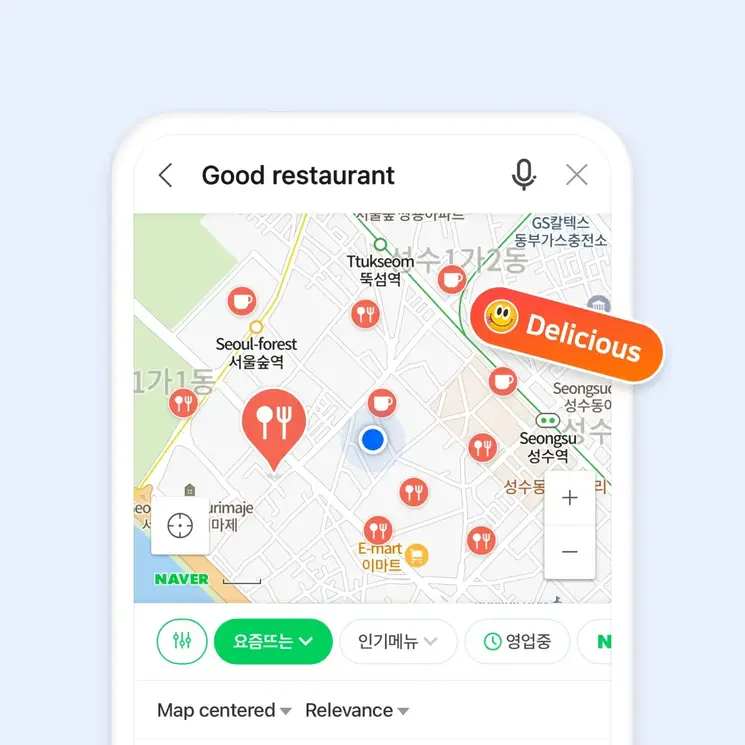
• Essential Apps: Once connected, immediately download Naver Map or KakaoMap. Google Maps is notoriously inaccurate for walking directions and public transit in South Korea due to local security regulations.
Buy e-SIM
You can buy e-sim online. One of the best options is to use Klook with discounts.
• Klook Discount Link: 5G eSIM South Korea | SKT




![[Culinary Class Wars 2] Sensational Taste of Korean Dish and Alcohol, Haebangchon Yunjudang](/api/image-proxy?path=blog_posts%2F1767931011138%2Fimage-0-dishes.jpg&token=1a4edd09-0942-4e8b-b5e4-51fcdfc269a8)
![[Food in Seoul] Via Toledo Pasta Bar – The Culinary World of Chef Kwon Seong Joon (Napoli Mafia)](/api/image-proxy?path=blog_posts%2F1739008404442%2Fimage-0-via_toledo_01.webp&token=38c0e3d3-e02e-4bcb-b728-8c73df27e9ff)